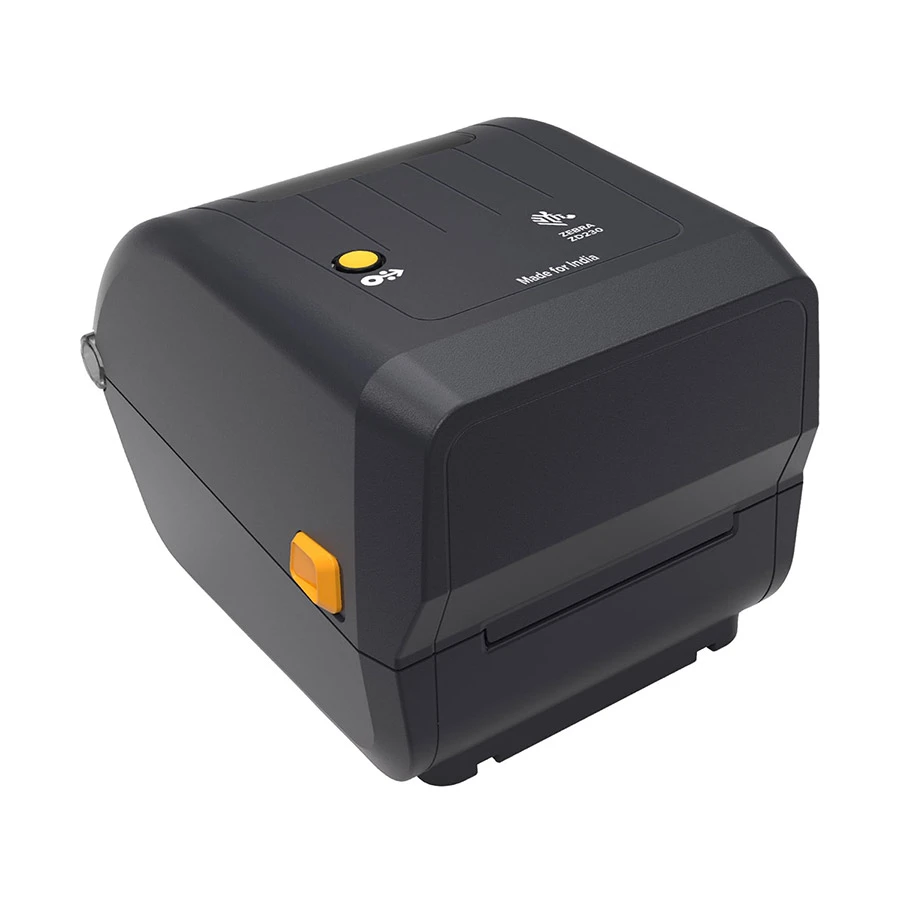
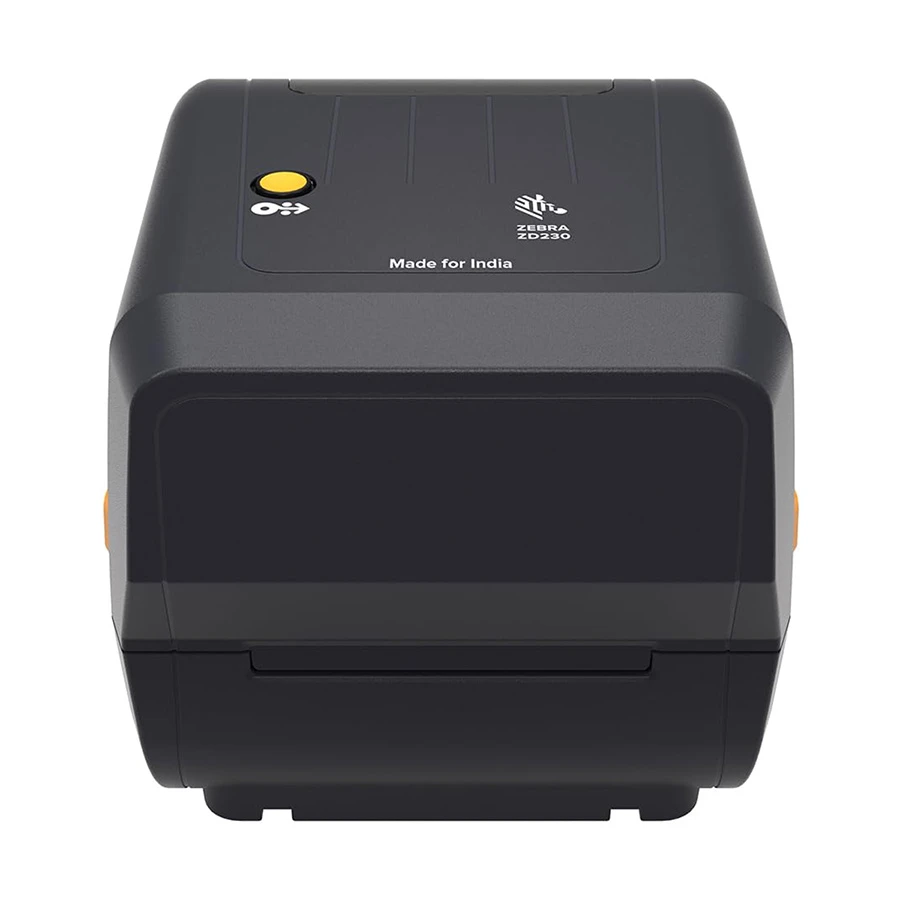
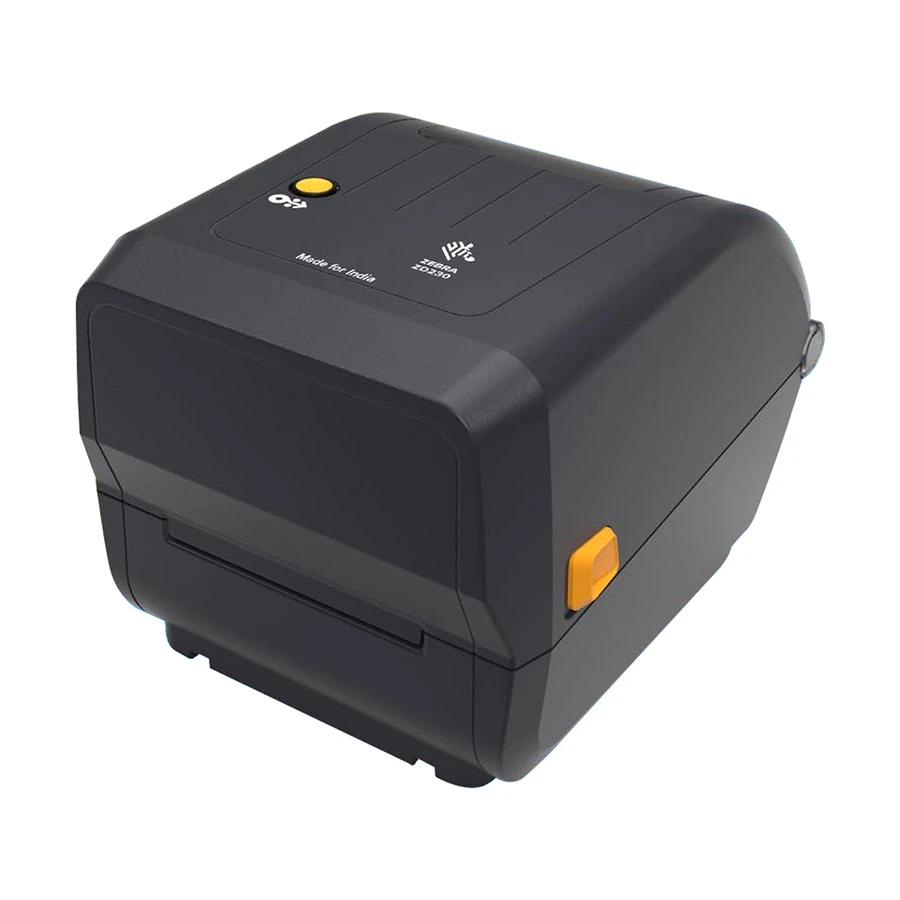
Zebra ZD230TA Desktop Label Printer
The Zebra ZD230TA Desktop Label Printer is a practical choice for businesses that need clear, consistent labels without a complicated setup. Designed for thermal-transfer printing, it supports everyday labeling tasks in retail stores, warehouses, courier operations and inventory departments.
With USB connectivity, an easy-access media compartment and a print speed of up to 152 mm per second at 203 dpi, this desktop barcode printer helps keep routine labeling work moving. An optional 300 dpi configuration is also available, depending on the selected model. View the official Zebra ZD230TA specifications.
Key Features of Zebra ZD230TA
- Printing technology: Thermal transfer
- Print resolution: 203 dpi, with an optional 300 dpi configuration
- Maximum print speed: Up to 152 mm/sec at 203 dpi
- Connectivity: USB
- Maximum print width: 104 mm at 203 dpi
- Applications: Barcode labels, shipping labels, product identification and inventory tags
These specifications are based on the manufacturer’s product information. Confirm the exact configuration before ordering.
Who Should Use the Zebra ZD230TA?
If your business prints product barcodes, courier labels, stock identification tags or warehouse labels every day, the Zebra ZD230TA can be a useful addition to your workflow. It is worth considering for e-commerce sellers, retail outlets, distribution centres and small-to-medium business operations looking for a dependable desktop barcode label printer.
For compatible consumables, explore ROSEN TECH’s barcode label stickers and confirm label and ribbon compatibility with your selected printer configuration before purchasing.
How to Verify the Original Zebra ZD230TA
Before buying a Zebra barcode printer, compare the model number and specifications with the official Zebra product page. You can also request the unit’s serial number, applicable warranty information and available sourcing documentation from ROSEN TECH. These checks help you assess authenticity; the manufacturer’s product page alone cannot authenticate an individual unit.
Why Buy from ROSEN TECH?
At ROSEN TECH, you can enquire about business printing solutions, product availability and the support relevant to your purchase. Before confirming your order, ask our team to verify the exact ZD230TA configuration, warranty coverage and delivery arrangements.
Buy Zebra ZD230TA Desktop Label Printer from ROSEN TECH
Need a reliable thermal-transfer printer for your business labeling requirements? Contact ROSEN TECH to confirm the latest price, stock availability and warranty details for the Zebra ZD230TA Desktop Label Printer.
Choose the right configuration for your business and purchase from ROSEN TECH with greater confidence.
Frequently Asked Questions
1. What is the Zebra ZD230TA Desktop Label Printer used for?
It is used for printing barcode labels, shipping labels, product identification labels, inventory tags and other business labels.
2. Is the Zebra ZD230TA a thermal-transfer printer?
Yes. The ZD230TA is a thermal-transfer desktop printer that uses a ribbon for printing. Confirm the required ribbon and label media before use.
3. What is the print resolution of the Zebra ZD230TA?
The standard resolution is 203 dpi, with an optional 300 dpi configuration. Check the exact model configuration before ordering.
4. How can I check whether the Zebra ZD230TA is original?
Compare its model and specifications with Zebra’s official documentation. Ask the seller for serial-number verification, sourcing documentation and applicable warranty details.
5. Where can I buy the Zebra ZD230TA in Bangladesh?
Contact ROSEN TECH to enquire about current pricing, availability, configuration and warranty coverage.
6. Does the Zebra ZD230TA support USB connectivity?
Yes. USB connectivity is listed in the manufacturer’s specifications. Confirm the supplied accessories and your computer’s compatibility before purchase.


Reviews
There are no reviews yet.